PID on a Microcontroller: Making Timing Visible in a 3D Game
A follow-on to PID Flight School. The drone's roll loop runs on a simulated Cortex-M under Zephyr, so students can see what loop rate, fixed-point maths, sensor resolution and thread priorities do to a controller.

The PID Flight School game teaches what the three PID terms do. It leaves out where the controller runs. On a real drone it is a few lines of C on a microcontroller, sharing the processor with other work, reading a sensor that reports in steps and driving motors through a timer with a fixed number of levels. Those effects are about time and precision, and they are hard to show on a whiteboard in a lecture.
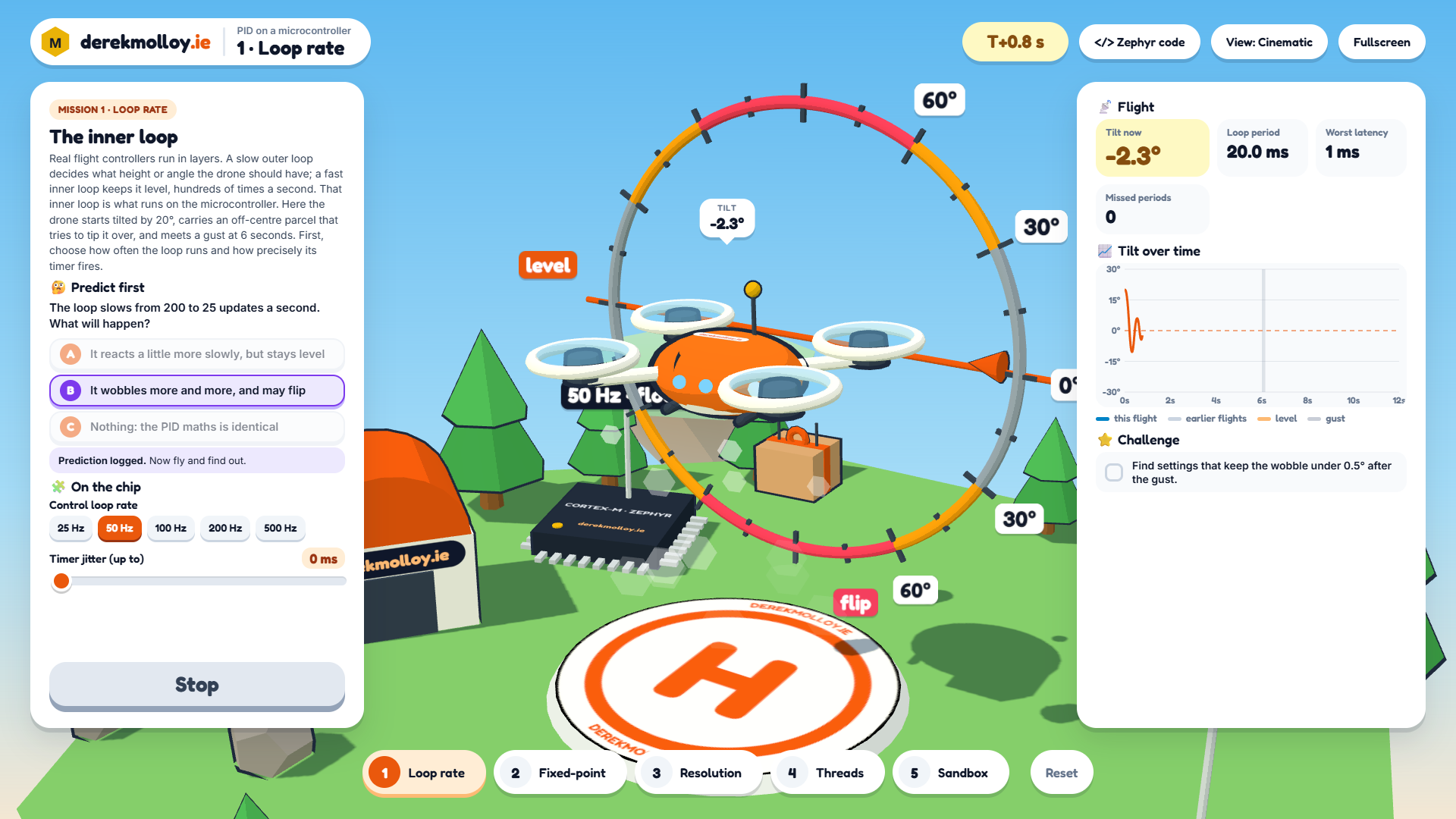
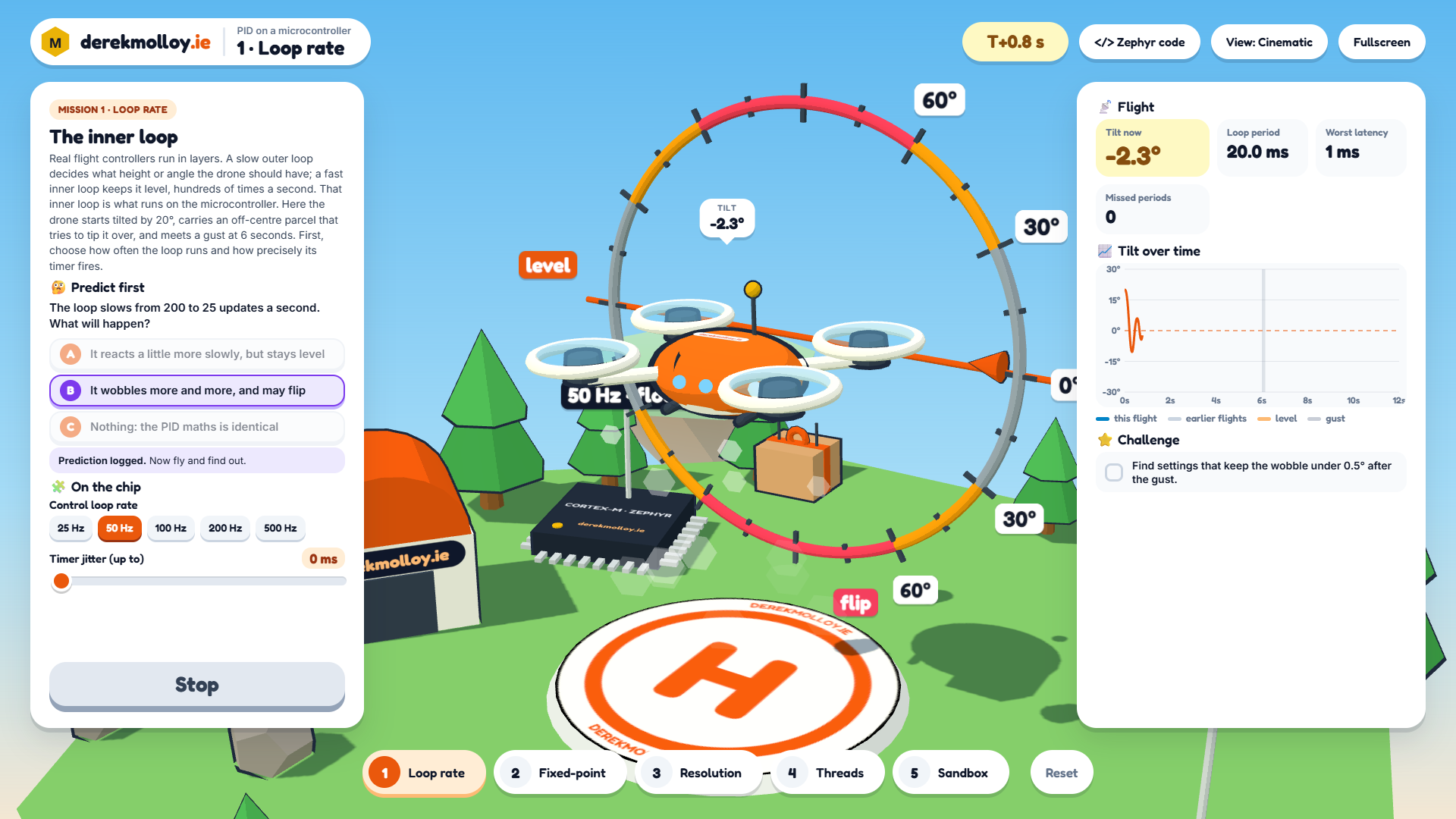
PID on a Microcontroller is the follow-on game. The drone now balances on its roll axis, carrying an off-centre parcel, and its inner control loop runs on a simulated Cortex-M under Zephyr. There are four missions and a sandbox:
- Loop rate: slow the loop from 200 to 25 updates a second and add timer jitter.
- Fixed-point: run the controller in Q16.16 on a chip with no floating-point unit, including a version with a 32-bit overflow in the multiply.
- Resolution: coarsen the IMU steps and the PWM bit depth.
- Threads: share the processor with a comms thread and a telemetry thread that holds a log lock, and watch the scheduler strip show when the control thread is kept waiting.
As in the first game, each mission asks for a prediction before the drone flies. Press K to see the Zephyr C code for the current settings.
Why build it?
I wanted students to see the link between a line in a scheduler trace and a drone that tips over. In the game, missed control periods show up as a drone swinging through the tilt dial while the scheduler strip shows why. Turning it into a working game with Claude Code took one long session, built on the engine and questions from my book's PIDOnChipLab component, copied unchanged.
My view is that this is where AI coding tools help educators most: topics where the important behaviour is invisible (timing, numeric precision, scheduling) and the teacher already knows the picture that would make it visible.
Try it
- PID on a Microcontroller, Diorama (full screen, laid out for 1920 × 1080).
- The book test page, with the original 2D version.
What it does not model: the drone only rolls. The microcontroller is a simulation with a 1 ms scheduler, not a real chip, and the generated Zephyr code is illustrative: it has not been built or flashed.
Have fun!
