PID Flight School, Studio Edition: One Lesson, Two Looks
The second visual style of my PID Flight School game. Once the lesson is fixed in code, changing how it looks is cheap, but a more ambitious look has costs that you need to test for.

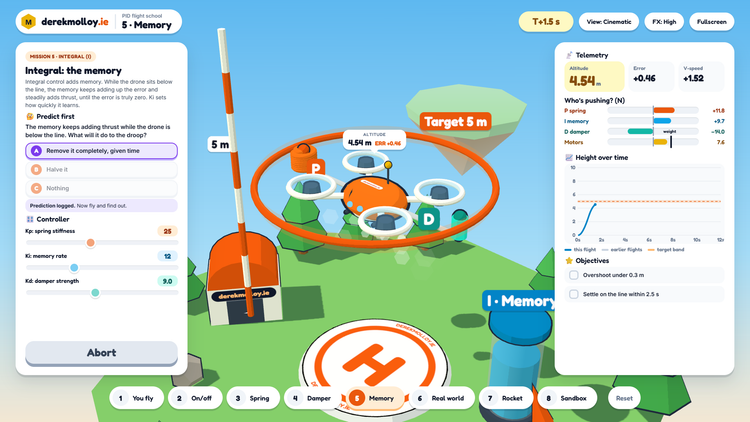
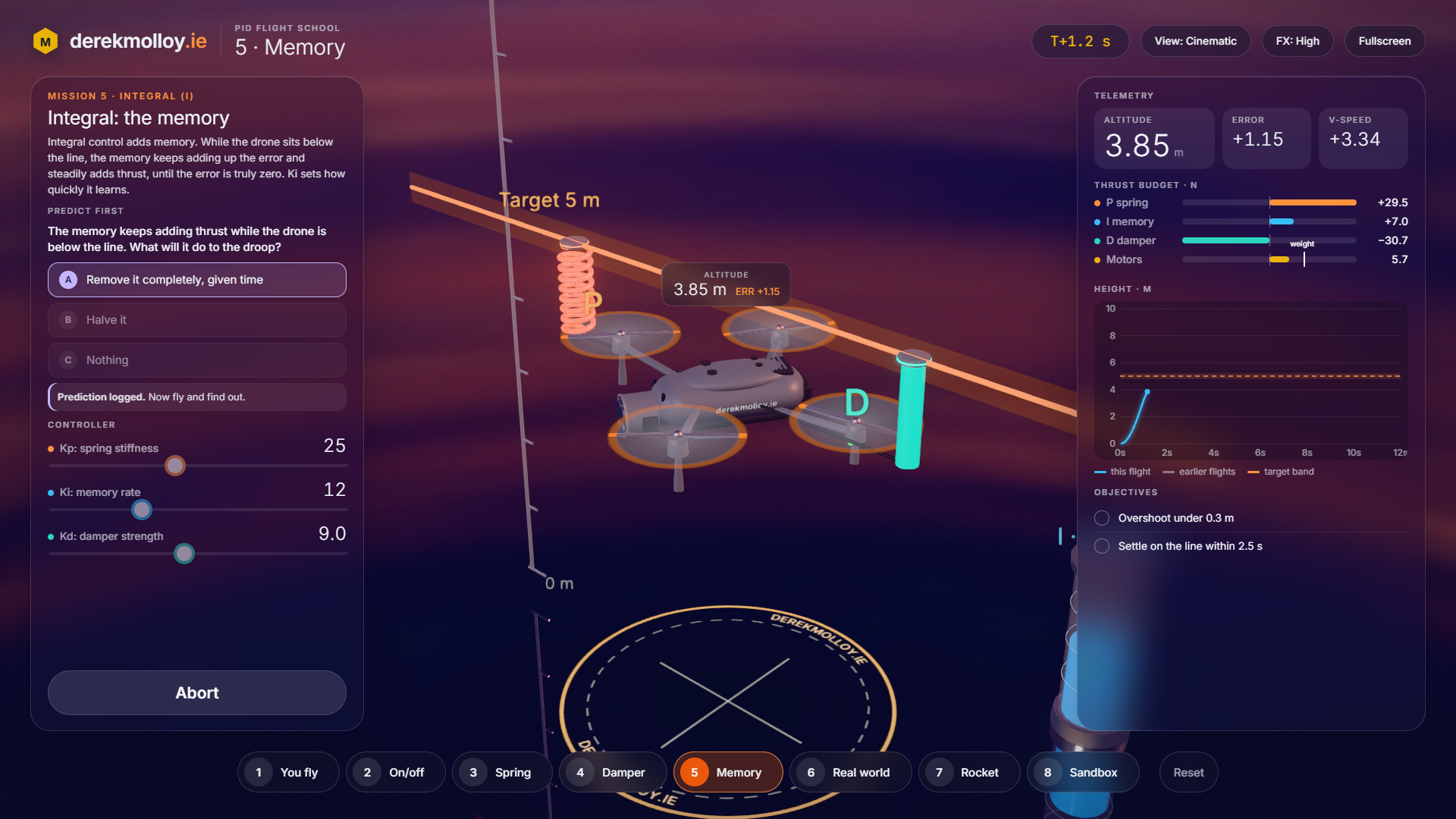
The first post earlier today introduced PID Flight School, a 3D game built with Claude Code from the PID demonstration in my Connected Embedded book. This is the second version of the same game. The missions, physics, questions and controls are identical. Only the look changes: a dusk sky, a mirror-gloss floor, a camera drone and a booster rocket, with bloom on the lights.
Why two looks
The game is split into shared scripts (the physics engine, the mission campaign and the camera rig) and a style page that holds only the scenery and colours. Once the lesson was fixed in the shared scripts, a second style meant asking for a new set of models and materials, without touching what the student learns.
For a teacher that separation is useful. A younger class may respond to the bright toy diorama, and a final-year group may prefer something that looks like engineering software. With a coding agent I can offer both and let students choose, at little extra cost.
What the better look cost
The Studio version draws a reflection of the whole scene and then a bloom pass, so each frame is rendered more than once. On a capable graphics processor it looks the way I wanted. On an older or low-power laptop it can struggle, so there is an FX: Low button, and the book page points those students to the Diorama version.
The first build also flickered two or three times a second in the drone missions. It took several rounds with Claude Code to find three separate causes: floor markings fighting the mirror for the same depth, the spring and damper switching on and off as the drone crossed the target line, and invalid (NaN) pixels that the bloom pass spread into black rectangles. Each fix was small once it was found. Finding them needed me to run the game, describe exactly what I saw and on which missions, and then confirm each fix on screen. That is a new way of developing.
This is the part of building teaching tools with AI that still needs care. The agent writes the code quickly, but a visual demo has to be tested and validated on the machines your students actually use before it is worth releasing.
Try it
- PID Flight School, Studio (needs a recent laptop or desktop with good graphics).
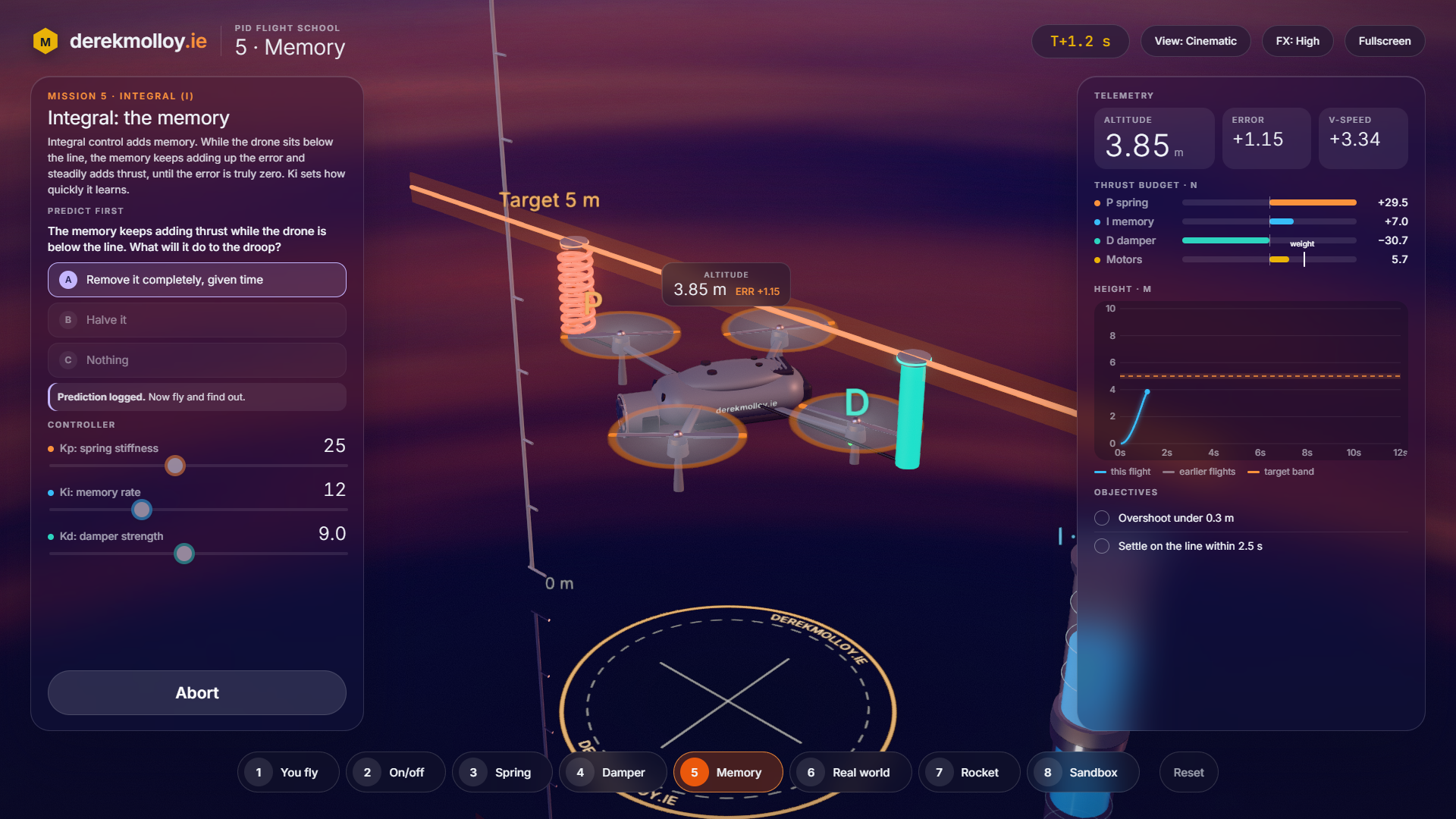
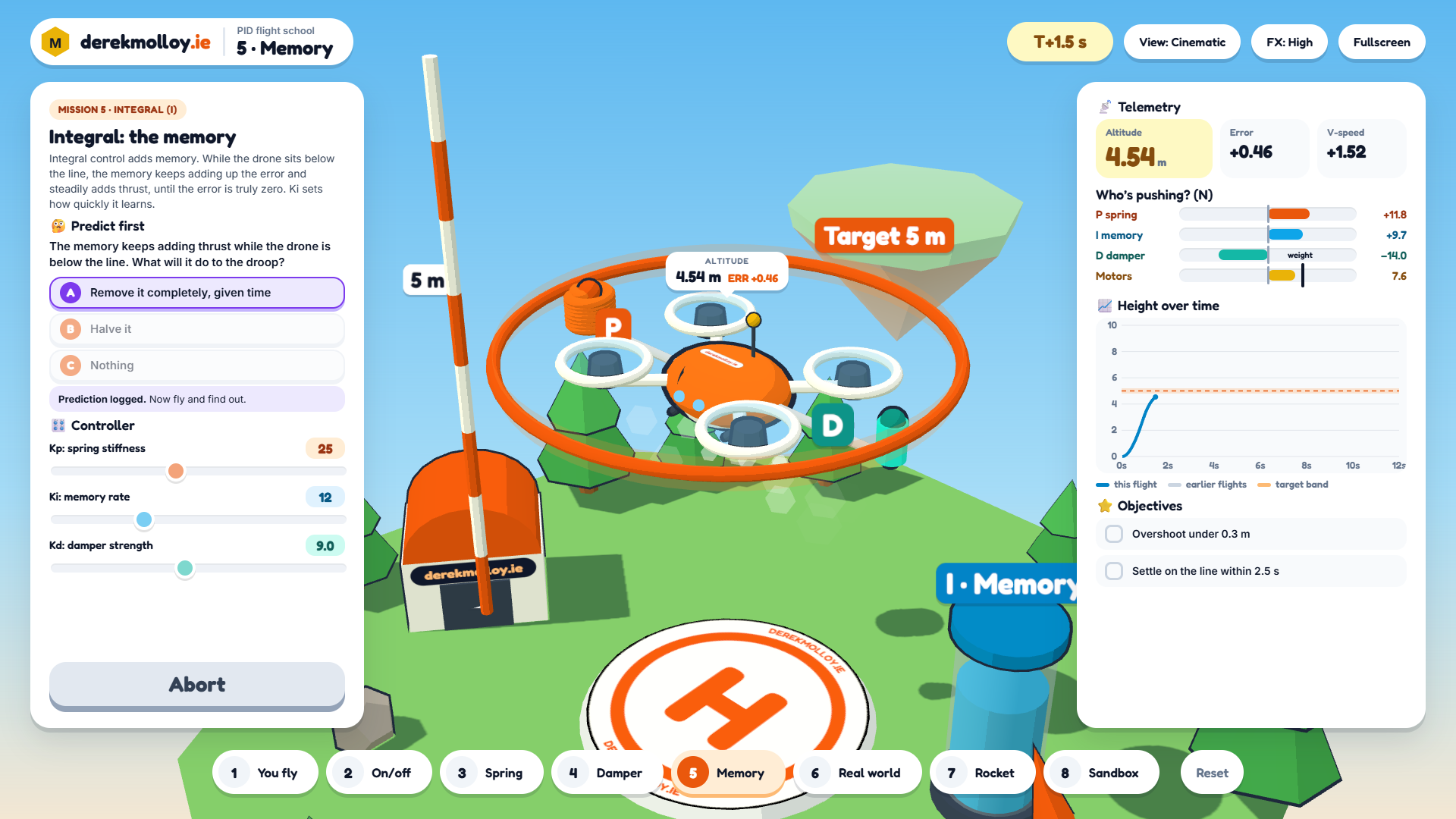
- PID Flight School, Diorama, which runs well almost everywhere.
- The book test page, with the original 2D versions.
What it does not model: as in the Diorama version, the drone moves only up and down, with no sideways drift or battery sag.
Have Fun!